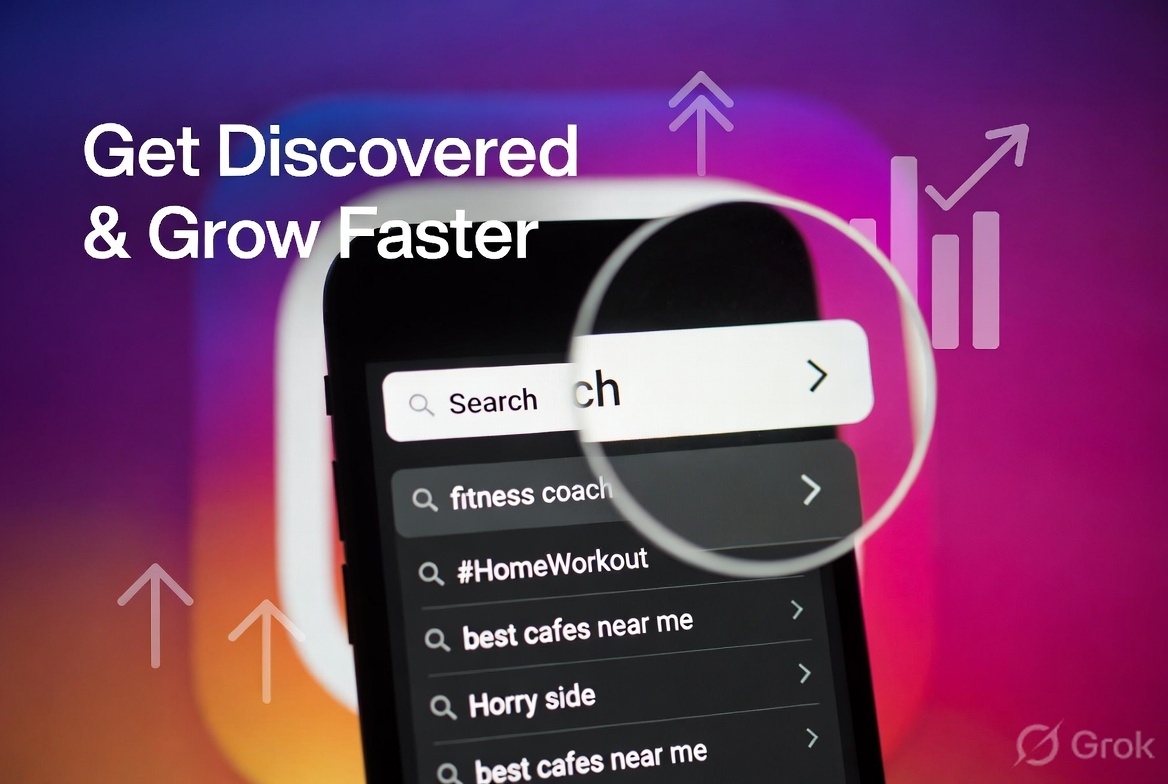
Master Instagram Search Queries Optimization simply signifies Instagram is no longer limited to just great photos and Reels; it has evolved into a massive search engine. Every day, millions of people use the search bar to discover new accounts, hashtags, locations, and content. If you want more people to view your profile or posts, you need to treat Instagram like Google—and optimize for search.
Here is a simple, practical guide to help you do exactly that:
Why Instagram Search Matters
When someone types something into the Instagram search bar, the algorithm displays:
Top accounts
Top posts
Reels
Locations
Hashtags
If your content appears here, you gain free, highly targeted traffic without spending money on ads. The best part? Most people still don’t focus on proper optimization.
- Understand what people actually search for
Start thinking like your audience.
Good ways to discover actual search queries:
Check Instagram’s suggestions (start typing and see what pops up)
Look at your competitors’ bios and captions
Use tools like Instagram Search, Google, or free keyword tools (e.g., “best [your niche]”)
Ask your followers: “What do you usually search for on Instagram?”
Popular search types:
Niche keywords: “fitness coach”, “sustainable fashion”, “home workout”
Location-based: “cafes in Mumbai”, “photography Assam”
Problem-solving: “how to grow hair fast”, “easy dinner recipes”
Branded searches: Your username or business name
- Optimize your profile for search (the most important step)
Your profile is the first thing people see when they search for you or related terms.
Do this:
Username: Keep it simple, memorable, and—if possible—keyword-friendly (e.g., @FitnessWithRohan instead of @Rohan123xyz)
Full Name / Name Field: Use your real name + keywords. Example: “Rohan Sharma | Fitness Coach & Trainer”
Bio: Naturally include 2–3 main keywords that people might search for. Write it as a helpful sentence rather than just stuffing it with keywords.
Good example: “Helping busy professionals lose weight with 15-min home workouts | DM for coaching”
Link: Use Linktree or similar tools with clear descriptions
- Master your hashtag strategy for search
Hashtags still boost your visibility on Instagram. Smart Hashtag Rules:
Mix broad and specific hashtags (e.g., #Fitness + #HomeWorkoutForBeginners)
Use 5–15 relevant hashtags per post
Create a branded hashtag for your business (e.g., #RohanFitnessJourney)
Research hashtags that have a decent volume but aren’t overly competitive (10k–500k posts is often the sweet spot)
Pro Tip: Save your best hashtag sets in a notes app for quick copy-pasting.
- Write captions that aid searchability
The Instagram algorithm reads your captions. Make them useful. Best practices:
Naturally include key keywords in the first 2–3 lines
Answer frequently asked questions
Use long-tail phrases (for more specific searches)
Add relevant location tags
Ask questions to boost engagement
Example of a caption opening:
“Struggling with belly fat after 30? These 3 simple exercises changed everything for me…”
- Content that ranks well in search
Reels currently receive high priority
Educational carousels (people look for solutions)
‘Before/After’ content
Guides and “How-to” posts
Location-based content
- Advanced optimization tips
Consistency: Post regularly so the algorithm trusts your account
Engagement: Reply to every comment — this signals that the content is good
Alt Text: Add descriptive text to images (great for accessibility + provides a slight SEO boost)
Stories and Highlights: Use keyword-rich titles for your Highlights
Collaboration: Get tagged by larger accounts in your niche
Avoid these common mistakes
Keyword stuffing (it sounds robotic)
Using only very broad hashtags (e.g., #Fitness has billions of posts)
Not posting regularly
Ignoring analytics (check which posts generate search traffic)
Action plan to get started immediately
Update your username, name, and bio with smart keywords today
Research 10–15 target search terms relevant to your niche
Create your next 5 posts while incorporating those keywords naturally
Track which posts appear in search results (ask your followers or check Insights)