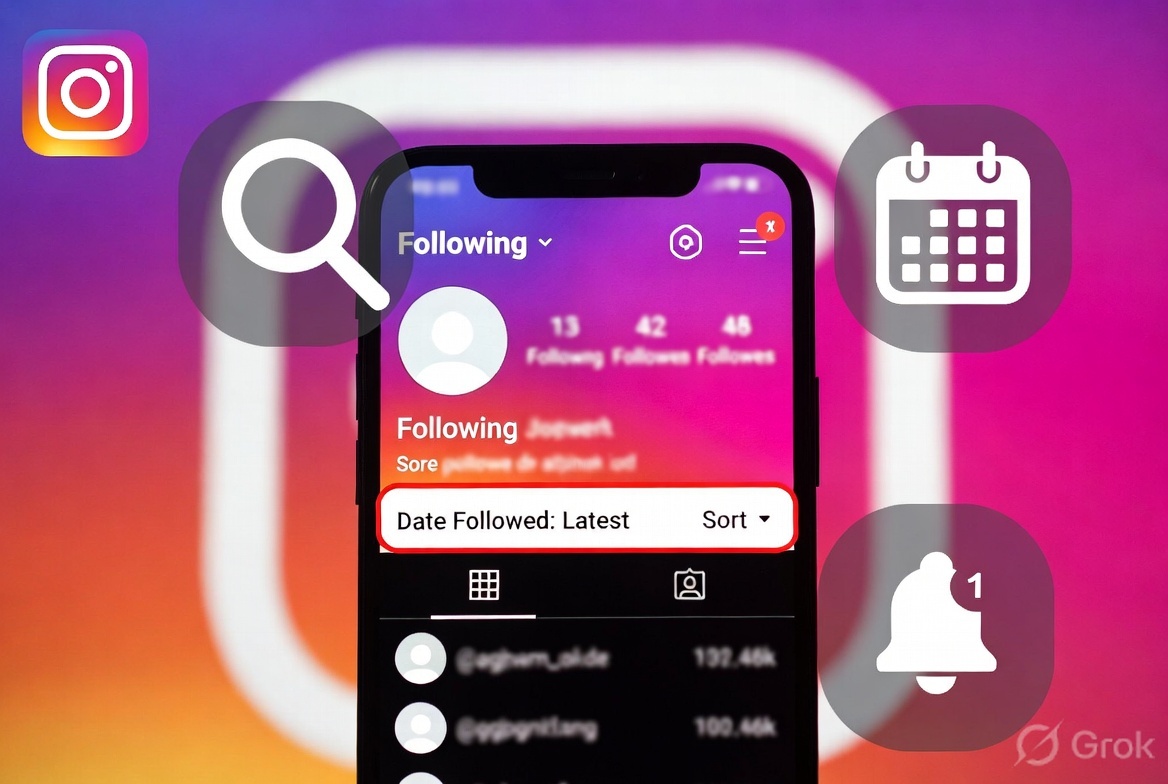
Friends, a very common question on Instagram is: “How to See Recently Followed or Recent Followers on Instagram?” or “Who has started following my account?”
Instagram has kept this feature somewhat hidden, but there are still ways to find this information. Let’s break it down step-by-step in simple terms.
1-Viewing accounts you have recently followed (the easiest method)
Instagram allows you to sort your “Following” list by date:
Steps:
-Open the Instagram app
-Tap your profile icon at the bottom right
-Tap on the “Following” count
-Tap the “Sort” or arrow icon at the top right
-Select “Date Followed: Latest”
The accounts you have followed most recently will now appear at the top.
To view recent followers:
Tap on the “Followers” count
In most cases, new followers appear at the top (though this isn’t always 100% chronological)
2-Viewing accounts someone else has recently followed
The official Instagram method:
Instagram does not display another person’s “Followers” or “Following” list in chronological order (by date). The list is sorted based on algorithms (mutual friends, engagement).
What can you do?
-Go to the person’s profile
-Tap on “Following”
-Manually check the accounts at the top of the list (these are often the most recent ones)
Take screenshots and compare them over time
3- Using Third-Party Tools (With Caution)
In 2026, various tools like DolphinRadar, RecentFollow, and IG Tracker claim to show the recent followers or “following” lists of any public account.
⚠️ Important Warning:
It may violate Instagram’s terms of service.
-Logging in with your account carries a risk of being banned or hacked.
-Most tools work only on public accounts.
-Respect privacy — do not invade anyone’s privacy.
Safe Advice: Try free tools that do not require a login, and use them only on public accounts.
4- Extra Tips
Keep notifications on:
Go to Settings → Notifications → Followers and enable notifications for new followers.
Check Insights (for Business/Creator accounts): You can get some idea from Reach and Audience metrics.
Take regular screenshots if you want to keep track.
Only the owner can properly view the follower list of a private account.
Conclusion:
It’s easy to see your account’s Recently Followed — just use the Sort by Date feature.
Seeing others is not possible directly; work has to be done manually or with tools.
If you want to manage your account, get more out of Insights by switching to a Business account.
Do you need more details about a specific method or tool? Let me know in the comments — I’ll help!